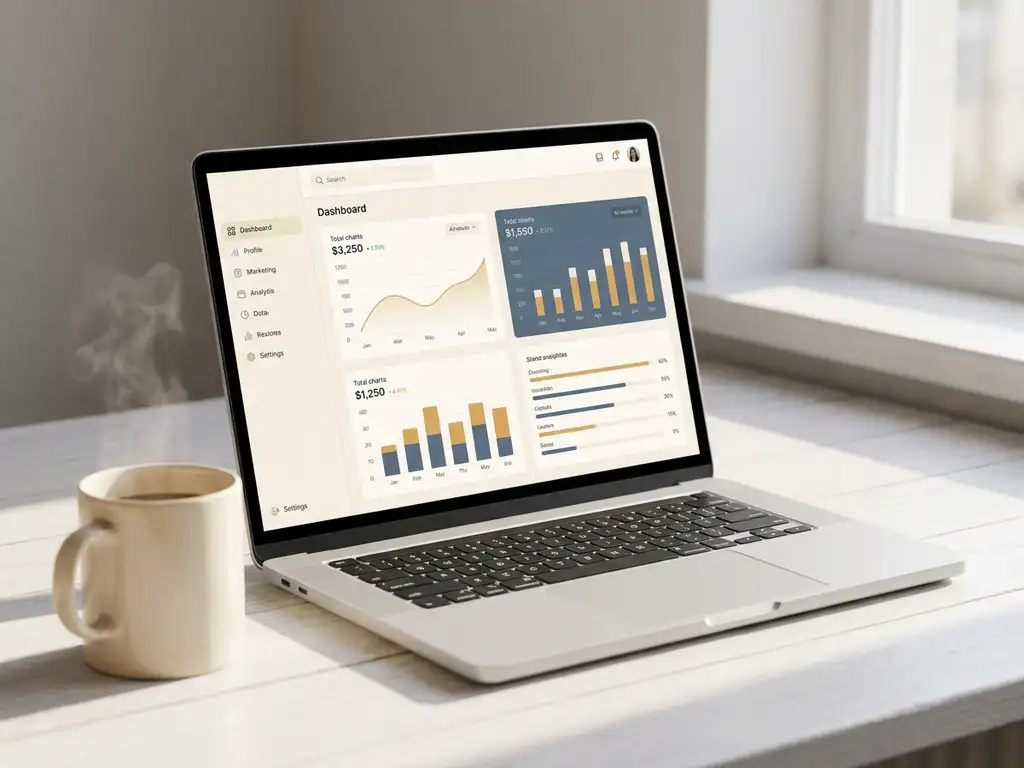
Recurring reports are set up by defining measurement moments, recipients, and sending frequency once in your platform, so the system automatically reports afterwards without you having to check on it every time. This applies to both periodic employee surveys and continuous listening programs. In this article, we answer the most frequently asked questions about how to arrange this in practice.
Which reports are best suited for automation?
Reports that are best suited for automation are reports with a fixed cadence, a stable target audience, and a clear goal per recipient. Think of team reports after a pulse measurement, monthly engagement scores per department, or quarterly overviews for the management team. Once the structure is established, manual work adds nothing.
In practice, there are three types of reports that HR teams automate most frequently:
- Team reports: results per team or department, directly usable by managers without HR involvement.
- Trend reports: comparison across multiple measurement moments, so you can see whether engagement is rising or falling.
- Signal reports: automatic alerts when a score drops below a threshold value, for example when an Employee Energy Pulse Score declines.
Reports that still require a lot of interpretation, such as an in-depth driver analysis or an eXperience Culture Scan, are less well suited for full automation. As an HR professional, you want to maintain context yourself before sharing results.
How do you set up an automatic reporting cycle?
You set up an automatic reporting cycle by recording five choices once: what do you measure, how often, for whom, in what format, and what is the threshold for an alert. Once these settings are in place, the cycle runs without manual work.
Follow the steps below:
- Choose your measurement frequency. Determine whether you measure monthly, quarterly, or after a specific event (such as onboarding or a reorganization). With continuous listening, you combine both: a fixed pulse plus triggers based on moments.
- Define the reporting units. Set the level at which you report: team, department, location, or the entire organization. The smaller the unit, the more useful the report for the manager.
- Link recipients to units. Automatically assign the right recipient per reporting unit. A team leader receives their own team, an HR Business Partner receives an overview of multiple teams.
- Set threshold values. Determine when a report deserves an extra signal, for example when the response drops below twenty percent or when a score deviates significantly from the previous measurement.
- Test the cycle before go-live. Send a test report to yourself and a manager to verify that the display is correct and the tone suits the recipient.
A well-configured cycle saves HR teams significant time per measurement round, and managers receive their report at the moment they can act on it.
Who receives which report — and how do you arrange that?
You arrange who receives which report by linking roles and reporting units to each other in your platform. A manager only sees their own team; an HR Business Partner sees multiple teams; the management team receives an aggregated organizational overview. This way, everyone gets exactly the information that fits their responsibility.
A common mistake is sending everyone the same report. This leads to information overload for managers and a lack of urgency for HR. A layered approach is more effective:
- Managers receive a compact team report with scores, trends, and the two or three most important areas for improvement. No statistics, but a clear next step.
- HR Business Partners receive an overview per department or region, including comparison between teams and signal items that require follow-up.
- HR director or management team receives a strategic dashboard with organization-wide trends, links to absenteeism and turnover data, and progress on improvement actions.
Also make sure that reports are only sent when there is sufficient response to draw reliable conclusions. If you send a report based on three completed questionnaires, it damages the manager's trust in the data.
What happens when a report has too little response?
When a report has too little response, you automatically delay sending and send a reminder to the target audience. Most platforms allow you to set a minimum threshold, for example twenty percent or an absolute number of respondents. Only once that threshold is reached is the report actually sent.
Low response is rarely a technical problem. More often the cause lies in the survey itself: a questionnaire that is too long, an unclear invitation email, or a measurement moment that coincides with a busy period. Automation helps you identify this, but the solution requires human insight.
Practical measures to increase response:
- Keep the questionnaire short. The 3-question methodology shows that three targeted questions are already sufficient to gather reliable steering information.
- Send reminders at a different time than the original invitation, preferably on a morning in the middle of the week.
- Have managers personally support the invitation. A brief verbal explanation significantly increases the willingness to participate.
- Communicate what has been done with previous feedback. Employees are more likely to complete a questionnaire when they see that their input leads to visible action.
How do you link recurring reports to follow-up per team?
You link recurring reports to follow-up per team by connecting each report to a concrete next step, a responsible person, and a deadline. Without that link, a report is a document; with that link, it becomes a starting point for improvement. This is the core of what is called closed-loop follow-up: closing the circle between measuring and acting.
In practice, this works as follows. A team leader receives their report and immediately sees which two or three themes deserve the most attention. These are the drivers that correlate most strongly with engagement or workplace happiness in their team. The Priority Matrix helps with this: it shows which topics score high on importance but low on satisfaction, and therefore have the most impact when addressed.
The manager then records an action in the system: what will change, who is responsible, and when will it be checked. At the next measurement, the question automatically appears whether the action has been carried out and whether employees notice the difference. This way, the reporting cycle becomes a learning cycle rather than an administrative round.
For HR Business Partners, this means they can see per team which actions are open, which have been completed, and where follow-up is lacking. This gives direction to the conversation with managers, without HR having to take over control.
How CYS Group helps with automatic employee reports
CYS Group helps HR teams transition from manual reporting rounds to an automated listening cycle that drives improvement per team. We do this through our platform cx.management, combined with our own methodologies:
- Automatic reporting cycles set up per team, department, or measurement moment, with threshold values for response and automatic reminders.
- Role-based reports that give managers, HR Business Partners, and the management team exactly the information that fits their responsibility.
- Driver analysis without statistics via the driver model, so every report immediately shows which factors determine engagement and what the priority is.
- Closed-loop follow-up with which actions are recorded and tracked, and the circle between measuring and improving is truly closed.
- GDPR-proof and ISO 27001-certified, so employee feedback is processed securely and in compliance with privacy regulations.
Want to see what this looks like in practice for your organization? Get in touch and we'll show you what automatic reports look like for an organization like yours.
Make every experience count.
Frequently Asked Questions
How long does it take to set up an automatic reporting cycle for the first time?
The initial setup of an automatic reporting cycle takes an average of half a day of work. You record the measurement frequency, reporting units, recipients, and threshold values once. After that, the system runs independently. Invest sufficient time in the testing phase: a test report to yourself and a manager prevents errors from only becoming apparent after go-live.
What do you do when a manager doesn't open their report or doesn't act on it?
Unopened reports are a signal that the content or format does not match the needs of the manager. First check whether the report is compact enough and contains a clear next step. As an HR Business Partner, discuss in a one-on-one conversation what the manager needs to find the data useful. Sometimes a shorter report or a verbal explanation at first receipt helps more than an extra reminder.
How do you handle changes in team composition or managers within an ongoing reporting cycle?
Make sure your platform immediately translates personnel changes into the reporting settings. Link reports to a role or function, not to an individual person, so that a new manager automatically receives the correct report without HR having to intervene manually. For larger reorganizations, plan a brief review of all reporting units and recipient lists before the next measurement round begins.
Are managers allowed to share their team report with their team members?
That depends on the anonymity policy your organization has established. In small teams (fewer than five respondents), caution is advised, because individual answers may be traceable. Establish in your communication plan in advance which reports managers may share, in what format, and with what explanation. Transparency about results increases employees' willingness to participate again next time.
How do you prevent employees from experiencing 'report fatigue' due to too many or too frequent measurements?
Report fatigue does not arise from measuring itself, but from measuring without visible consequences. Keep questionnaires short (preferably three to five questions), actively communicate what has been done with previous feedback, and align the measurement frequency with the speed at which a team can actually improve. A monthly pulse is worthwhile if follow-up also takes place monthly; without that follow-up, frequent measurement undermines trust in the process.
Can I link automatic reports to other HR data such as absenteeism or turnover?
Yes, most advanced platforms — including cx.management from CYS Group — offer the ability to combine employee data with absenteeism and turnover information. This gives the management team and HR director insight into the relationship between engagement scores and hard business outcomes. Pay attention to GDPR compliance: linking datasets requires a valid legal basis and transparency towards employees about which data are being combined.
How do you know whether your automatic reporting cycle is effective, and when is it time to review the settings?
You recognize an effective reporting cycle by three things: managers open their report, record actions, and employees see improvements reflected in their daily work. Evaluate the cycle at least once a year: are the reporting units still correct, are the threshold values realistic, and do the formats still match the needs of the recipients? Major organizational changes — such as a merger or a new HR strategy — are always a reason to go through the settings again.