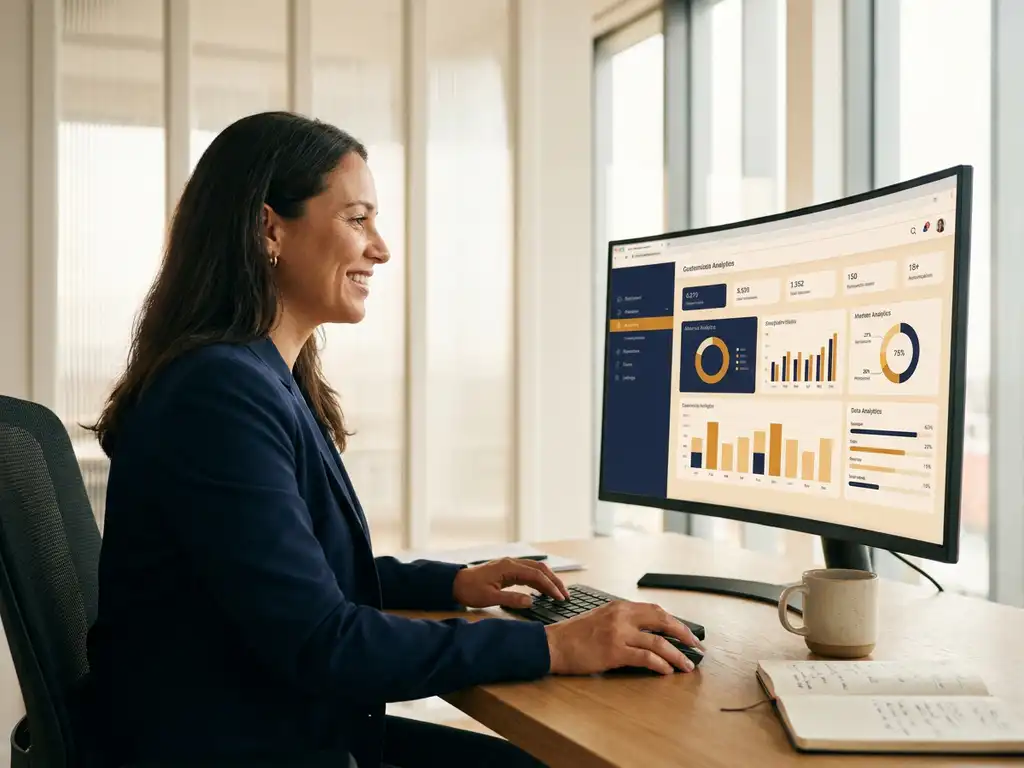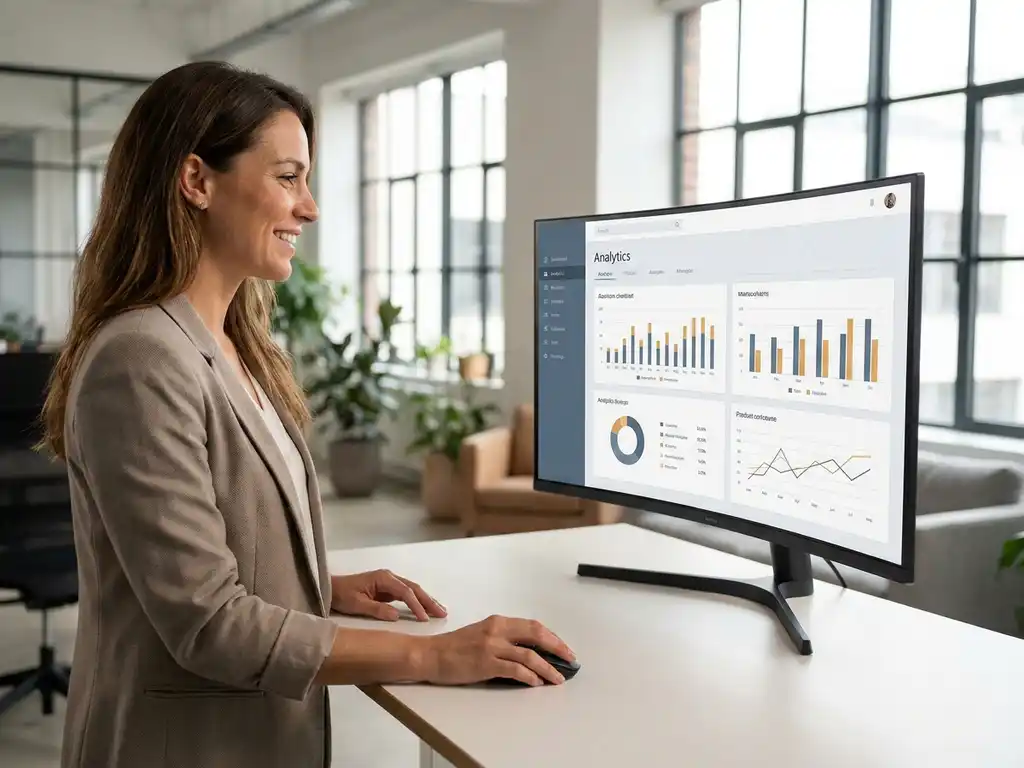
You can make dashboards accessible without IT involvement by working with a platform that combines role-based access, self-service provisioning, and clear permission structures. The key lies in a solid setup upfront: who is allowed to see what, who is allowed to change what, and how do you ensure that managers can immediately get started with their own team data. In this article, we answer the most frequently asked questions about setting up an employee survey dashboard that HR professionals and managers can manage independently.
Which permissions and roles determine who may manage a dashboard?
Permissions and roles determine who can view a dashboard, who can adjust reports within it, and who has full administrative access. In most HR dashboard environments, you work with at least three levels: an administrator who sets up the structure, an editor who adjusts reports, and a reader who only sees their own team results.
A well-designed role model is the foundation of an independently functioning dashboard. Without a clear role division, confusion quickly arises: managers see data from other teams, or HR staff lack the permissions to add a new report. This leads to unnecessary IT tickets for changes that HR could handle themselves.
The most commonly used role structure for an HR dashboard looks as follows:
- Platform administrator: has full access, sets up roles, links employees to teams, and manages survey settings.
- HR editor: can adjust reports, set filters, and create new dashboard views, but cannot add users.
- Team leader / manager: only sees the data of their own team, cannot view data from other teams.
- Reader: has read-only access to a specific dashboard or report, without editing rights.
The more granularity a platform offers in this role division, the less you need IT for daily management tasks. The HR department can then independently grant new managers access, adjust teams after a reorganization, and update reports without submitting a ticket.
What makes a dashboard platform suitable for use without IT?
A dashboard platform is suitable for use without IT if it offers a graphical interface for configuring permissions, reports, and filters, without requiring technical knowledge or programming skills. Self-service is central: HR professionals can independently implement changes.
Not every platform is set up this way. Some systems require a system administrator or external vendor for every change. This makes the platform dependent and slow. With a good self-service HR dashboard platform, you recognize the following characteristics:
- Drag-and-drop report building: adjust reports without code, via a visual editor.
- Role management via a user interface: add new users and assign roles without database access.
- Automatic data linking: employees are linked to the correct team via an import or integration, without manual SQL adjustments.
- Filtered views per role: the system automatically displays the correct data based on the logged-in user.
- Clear audit log: insight into who changed what and when, so you maintain control without IT monitoring.
A platform that meets these criteria gives HR back control. Managers no longer need to wait for a report that is compiled manually. They open the dashboard and immediately see the current state of affairs for their team.
How do you set up team reports without technical knowledge?
You set up team reports without technical knowledge by working with pre-configured templates, filtered views per team, and a platform that automatically processes the data link. The HR administrator defines the structure once; after that, the system works independently.
In practice, you start by defining your team structure. Which departments or teams do you want to report on as a unit? That is an organizational choice, not a technical one. Once that structure is established, you link employees to their team in the system, usually via an import from your HR system.
You then choose per team which metrics you want to display. Think of engagement scores, the Employee Energy Pulse, or specific drivers measured in the survey. A driver analysis shows which factors have the greatest influence on workplace happiness or engagement, without requiring statistical knowledge. The platform translates the data into an understandable overview.
A good report for managers contains not only a score, but also the context: what does the score indicate, which themes are at play, and what is the most logical next step? That is the core of a Story-Led approach: from a number to a narrative that prompts action.
How do you ensure that managers only see their own team data?
You ensure that managers only see their own team data by configuring data isolation in the platform based on the user role and team link. After logging in, each manager automatically sees a filtered view that only shows the data of their own team.
This is not only a privacy matter, it is also a practical necessity. If a manager sees data from other teams, the report loses its focus. And if employees know that their manager can also view data from other departments, this has direct consequences for trust in the survey and the honesty of answers.
Technically, data isolation works via the role link: the system recognizes the logged-in user, looks up which team they are linked to, and filters the data automatically. The manager does not need to configure anything themselves. HR manages the link centrally, and adjustments for team changes or reorganizations are easy to implement without IT assistance.
An additional benefit: because managers only see their own data, the dashboard becomes immediately usable and relevant. They do not need to filter or search. The report is ready, tailored to their situation.
When is IT involvement with dashboards still necessary?
IT involvement is necessary for dashboards when there are technical integrations with other systems, changes to the infrastructure, or security requirements that fall outside the platform's standard settings. For daily management, IT is not needed in a well-configured self-service platform.
There are situations where you do need IT:
- Single Sign-On (SSO) integration: if employees need to log in via the company network or an identity provider, the technical integration requires IT involvement.
- Integration with HR systems: automatic synchronization of employee data from an HRM package requires a technical integration that is set up once by IT.
- Security audits: with ISO 27001 certification or GDPR compliance checks, IT wants insight into how data is stored and who has access.
- Large-scale migrations: if you switch platforms or transfer an existing data structure, technical guidance is advisable.
The rule of thumb is: IT is needed for the foundation, not for daily use. A good setup requires a one-time investment of time and coordination with IT. After that, HR can continue independently. This saves not only time, but also frustration on both sides: IT does not have to process report adjustments, and HR does not have to wait for an update that could actually have been arranged within five minutes.
How CYS Group helps with independent dashboard management for HR
CYS Group has configured the platform cx.management so that HR teams and managers can work independently, without being dependent on IT for daily management. Concretely, this means:
- Role-based access that you as HR administrator set up yourself, per employee or team.
- Automatically filtered team reports, so that each manager immediately sees their own data after logging in.
- Dashboards based on the proprietary driver analysis and the 3-question methodology, which translate scores into concrete insights and follow-up actions.
- Closed-loop follow-up via the Priority Matrix, so that feedback does not stop at a number but leads to visible action.
- GDPR-proof and ISO 27001-certified, so that the security foundation is in order.
Whether you work with an annual employee survey or continuously listen via the Employee Energy Pulse, the platform gives HR control without technical barriers. Want to see how this works for your organization? Get in touch and we will show you what a self-service dashboard looks like in practice.
Make every experience count.
Frequently Asked Questions
Hoe lang duurt het om een medewerkersonderzoekdashboard volledig in te richten zonder IT?
De initiële inrichting van een selfservice HR-dashboard duurt gemiddeld één tot drie werkdagen, afhankelijk van de complexiteit van je organisatiestructuur en het aantal teams. De meeste tijd gaat zitten in het definiëren van de rolstructuur en het importeren van medewerkerdata vanuit je personeelssysteem. Zodra die basis staat, zijn aanpassingen zoals het toevoegen van een nieuwe leidinggevende of het aanpassen van een teamindeling een kwestie van minuten.
Wat gebeurt er met de dashboardtoegang als een medewerker van team wisselt of de organisatie verlaat?
Bij een goede selfservice-inrichting pas je de teamkoppeling eenvoudig aan via de gebruikersinterface, zonder IT-tussenkomst. Verlaat een medewerker de organisatie, dan deactiveer je het account handmatig of stel je een automatische synchronisatie in vanuit je HRM-systeem. Het is een best practice om dit proces vast te leggen in een onboarding- en offboarding-protocol, zodat toegangsrechten altijd actueel blijven en er geen onnodige beveiligingsrisico's ontstaan.
Hoe voorkom je dat leidinggevenden zich overweldigd voelen door de hoeveelheid data in hun dashboard?
De sleutel is om dashboards niet te overladen met metrics, maar te focussen op een beperkt aantal relevante KPI's die direct aansluiten bij de verantwoordelijkheden van de leidinggevende. Een Story-Led aanpak, waarbij scores worden vertaald naar concrete inzichten en aanbevolen vervolgstappen, helpt enorm om de drempel te verlagen. Overweeg ook een korte introductiesessie of een instructievideo specifiek voor leidinggevenden, zodat ze weten waar ze op moeten letten en hoe ze de data kunnen gebruiken in teamgesprekken.
Wat is de minimale teamgrootte voor betrouwbare rapportages in een medewerkersonderzoekdashboard?
De meeste HR-dashboardplatformen hanteren een minimumdrempel van vijf tot tien respondenten per team voordat resultaten worden weergegeven, om anonimiteit te waarborgen en statistische betrouwbaarheid te garanderen. Valt een team onder deze drempel, dan worden de resultaten doorgaans samengevoegd met een bovenliggend organisatieniveau of helemaal niet getoond. Controleer bij de keuze van je platform altijd welke anonimiteitsdrempels worden gehanteerd en of deze aansluiten bij de verwachtingen van je medewerkers en ondernemingsraad.
Hoe betrek je de ondernemingsraad bij de inrichting van een HR-dashboard zonder het proces te vertragen?
Betrek de ondernemingsraad vroeg in het proces, specifiek bij de keuzes rondom dataverzameling, anonimiteitsdrempels en toegangsrechten, niet pas bij de livegang. Maak een helder overzicht van wie welke data kan inzien en hoe privacybescherming technisch is geborgd, bijvoorbeeld via AVG-compliance en ISO 27001-certificering. Zo geef je de OR de informatie die ze nodig hebben om een weloverwogen instemming te geven, zonder eindeloze overlegroundes over technische details die al zijn afgevangen door het platform.
Kan een selfservice HR-dashboard ook worden ingezet voor continue meting in plaats van een jaarlijks onderzoek?
Ja, moderne HR-dashboardplatformen zoals cx.management ondersteunen zowel periodieke metingen als continue luisterprogramma's zoals een Employee Energy Pulse. Bij continue meting is een goed ingerichte rolstructuur nog belangrijker, omdat leidinggevenden frequenter inloggen en de data sneller verandert. Zorg in dat geval voor duidelijke afspraken over hoe vaak leidinggevenden de resultaten bespreken met hun team en hoe opvolging wordt geborgd via bijvoorbeeld een Priority Matrix.
Welke veelgemaakte fouten maken organisaties bij de eerste inrichting van een HR-dashboard?
De meest voorkomende fout is het overslaan van de rollenstructuur: organisaties geven iedereen beheerdersrechten 'voor de zekerheid', waardoor data-isolatie en privacy in het geding komen. Een tweede veelgemaakte fout is het importeren van een verouderde teamindeling uit het personeelssysteem, waardoor leidinggevenden data zien van teams die niet meer bestaan of andersom. Neem daarom altijd de tijd om de organisatiestructuur te valideren vóór de livegang, en stel een vast moment in om de teamkoppelingen te reviewen, bijvoorbeeld na elk reorganisatiemoment of kwartaaleinde.