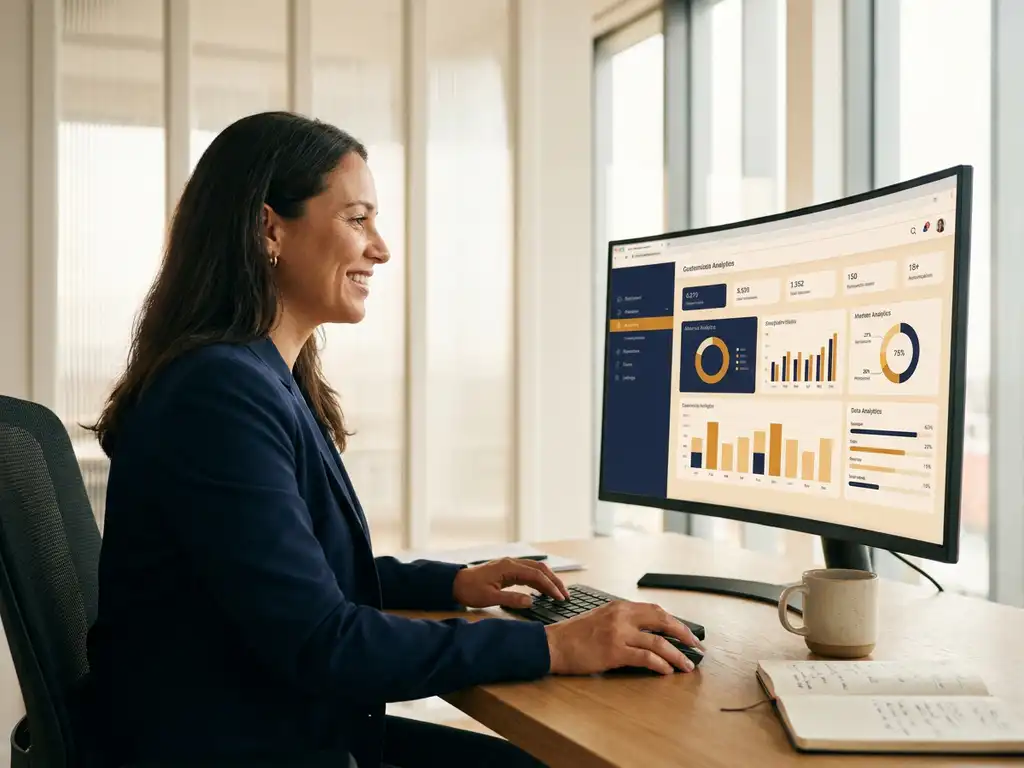
Managers get their own team dashboard without IT assistance by working with a platform that offers role-based access via a simple invitation link. Once an HR administrator sets the appropriate permissions, a team leader automatically sees only the data of their own team. No installation, no IT ticket, no waiting time. In this article, we answer the most frequently asked questions about team dashboards for managers: from practical setup to privacy and the difference with an organization-wide report.
Why do managers need their own team dashboard?
A dedicated team dashboard gives a manager direct insight into the experience of their specific team, without having to wait for an HR report. That is the difference between acting in the week after a signal and acting three months later after an annual presentation. When it comes to employee engagement: the faster a manager responds, the greater the effect on trust and job satisfaction.
In practice, we see that managers disengage from employee surveys as soon as the results are not personally relevant to them. An organization-wide score of 7.2 means little to a team leader. But a team score of 6.1 on "clarity about expectations," combined with the open comments of three employees, makes it concrete and actionable. That is exactly what a good employee satisfaction dashboard does: it translates a score into a story, and that story into an action.
Organizations that work with team dashboards consistently report that managers become more actively involved in follow-up. Not because they are required to, but because the information finally connects to their daily reality.
What does 'without IT assistance' actually mean for dashboards?
A dashboard "without IT assistance" means that HR can grant a manager access via an invitation email or a simple admin page, without the involvement of a system administrator or application developer. The manager logs in via a browser, immediately sees their team data, and does not need to install any software.
Concretely, there are three characteristics that make a platform truly IT-independent:
- Role-based access: HR determines who sees what. A team leader sees only their team; a department head sees multiple teams; the HR director sees the entire organization.
- Self-management for HR: Adding new managers, adjusting permissions, or changing a team structure is done by HR themselves via an admin panel, without creating an IT ticket.
- Browser-based and device-independent: The dashboard works on laptop, tablet, and phone without installation. This is relevant for managers who are not always at a fixed workstation.
The result is that HR retains control over who has access, while managers can independently get started with their team data. IT does not need to be involved unless there is an SSO (Single Sign-On) integration with the company network, but that is a one-time technical step during implementation, not with every user change.
How does setting up a team dashboard work in practice?
Setting up a team dashboard for managers takes place in a few steps that HR carries out independently. The manager themselves does not need to configure anything: they receive an invitation and immediately see the relevant team data.
In practice, the process looks as follows:
- Set up team structure: HR records the organizational structure in the platform. Teams are linked to managers based on name or email address.
- Assign permissions: Per manager, you configure which teams and measurement moments are visible. Someone with multiple teams under them sees all those teams in one overview.
- Send invitation: The platform automatically sends an invitation email with a personal login link. No password creation is also possible via a magic link.
- Dashboard is immediately available: After logging in, the manager sees the current scores, open responses, and any improvement points for their team, filtered by anonymity threshold.
- HR monitors usage: Via the admin panel, HR can see which managers are logging in and whether actions are being taken based on the results.
A common mistake is skipping step 1: if the team structure is incorrect in the system, the dashboards will also be incorrect. Therefore, invest some time upfront in an up-to-date organizational chart. This pays off at every subsequent measurement moment.
Which metrics does a manager see in a team dashboard?
A manager sees in a team dashboard the metrics that are directly relevant to their team: an overall satisfaction score, the eNPS (Employee Net Promoter Score), scores per theme such as workload or collaboration, and the open responses from employees. Everything is filtered by the manager's own team and compared with the organizational benchmark.
The most valuable information is not in the main score, but in the combination of score and story. A score of 6.8 on "autonomy" is neutral. But if three employees write in their comments that they feel they have too little room to make their own decisions, a manager knows exactly what is happening and can structure the next team meeting around it.
Good team dashboards also show drivers: the factors that are most decisive for the engagement of that specific team. This prevents a manager from working on themes that receive organization-wide attention but are less relevant for their team. The priority is determined by that team's data, not by a generic approach.
What you don't want to see in a team dashboard: endless table reports without interpretation, scores without context, or a PDF that is emailed once a year. A good dashboard is live, current, and action-oriented.
How are privacy and anonymity safeguarded per team?
Privacy and anonymity are safeguarded through an anonymity threshold: a manager only sees team data if a minimum number of employees have responded. If the response falls below that threshold, the results are not shown to prevent traceability. This threshold is configurable per organization and applies per team individually.
This is a crucial part of the trust that employees must have in a survey. If employees doubt whether their answers can be traced back to them personally, they give socially desirable answers or do not participate at all. Anonymity is therefore not just a privacy measure, it is a quality measure.
In practice, it works as follows: a team of five employees with three respondents remains below the threshold and the manager sees no results for that team. The HR department can see that there is insufficient response and can take action to increase participation. This way, the organization continues to receive information about the response without compromising the anonymity of individual employees.
Platforms that are GDPR-compliant and ISO 27001-certified offer additional safeguards: data is processed and stored in accordance with European privacy legislation, and the security of the environment is periodically assessed by an external party.
What is the difference between a team dashboard and an organization dashboard?
The difference between a team dashboard and an organization dashboard lies in the level of aggregation and the user. A team dashboard shows the data of one specific team to the manager of that team. An organization dashboard shows the aggregated data of the entire organization to HR, management, or leadership, with the ability to drill down into departments or teams.
Both dashboards complement each other, but serve a different purpose:
- Team dashboard: activating, operational, focused on direct follow-up by the manager. The question is: what is happening in my team and what do I do about it tomorrow?
- Organization dashboard: strategic, comprehensive, focused on pattern recognition and policy decisions. The question is: where are the biggest opportunities or risks in the organization?
A common mistake is giving managers access to the organization dashboard instead of their own team dashboard. They then see the organization score, cannot relate to it, and disengage. Conversely, HR misses the overview if there are only team dashboards without an aggregated layer above them.
The power lies in the combination: HR steers at the organizational level, managers steer at the team level, and both layers are connected to each other in the same platform. This is how continuous listening works in practice: not as an annual snapshot, but as an ongoing conversation at every level of the organization.
How CYS Group helps with team dashboards for managers
CYS Group offers through the platform cx.management a complete solution for organizations that want to give managers their own team dashboard, without being dependent on IT. Our approach is outcome-driven: we ensure not only that the dashboards work technically, but also that managers actually start using them.
What you concretely get:
- Role-based access that HR manages independently, without IT tickets
- Team dashboards with scores, drivers, and open responses, filtered by the manager's own team
- Anonymity thresholds that are configurable per team, GDPR-compliant and ISO 27001-certified
- The Priority Matrix that shows per team which improvement points have the greatest impact
- Closed-loop follow-up: managers can assign actions and monitor progress from the dashboard
- Onboarding and guidance so that managers can not only read the dashboards, but also act on them
Over twenty years of experience in employee experience has taught us that a dashboard only has value when it leads to a conversation, a decision, or an action. That is why we always build from score to story, and from story to next step.
Want to see what this looks like in your organization? Get in touch and we will show you what team dashboards look like in practice for an organization like yours.
Make every experience count.
Frequently Asked Questions
How long does it take before a manager has their team dashboard up and running?
If the team structure is already correctly set up in the platform, a manager can get started within minutes: HR sends an invitation email and after one click the dashboard is immediately available. The biggest time investment lies in the one-time correct setup of the organizational structure in step 1 — depending on the size of the organization, this takes a few hours to half a day. Every subsequent measurement moment or every new manager added after that is a matter of minutes.
What if a manager oversees multiple teams — do they see all of them in one dashboard?
Yes, a manager with multiple teams under them sees all those teams combined in one overview, but can also zoom in on each team individually. HR configures this via the permission assignment: the manager gets access to exactly those teams for which they are responsible. This way, a department head does not need to switch between multiple logins or reports, but has one central starting point for all team data.
What do you do if the response in a team is too low to show results?
If the response remains below the anonymity threshold, the manager sees no results for that team — this is deliberately designed to protect the anonymity of employees. The recommended approach is for the manager to actively communicate the importance of participation in a team meeting, without putting pressure on individuals. HR can see via the admin panel which teams are below the threshold and send targeted reminders to increase the response for the next measurement moment.
Can managers also share the team dashboard data with their team?
Not only is this possible, it is also strongly recommended: the most impact occurs when a manager discusses the results in a team meeting and sets priorities together with employees. Depending on the platform, you can export a summary or activate a presentation view that is suitable for sharing without sensitive detail data. The conversation that follows the data is at least as valuable as the data itself — employees experience that their voice actually sets something in motion, which increases engagement at subsequent measurement moments.
What is the most common mistake when rolling out team dashboards in an organization?
The most common mistake is giving managers access without guidance or context: they log in once, see a score, do not know what to do with it, and disengage. A dashboard is a starting point, not an endpoint — managers need a brief onboarding in which they learn how to move from score to conversation to action. Therefore, in addition to the technical setup, also invest in a short introductory session or guide that helps managers take the first concrete step after reviewing their team results.
How often are team dashboards updated and how often should a manager log in?
The update frequency depends on the measurement moment: with a continuous listening model (pulse surveys), dashboards can show new data weekly or monthly, while with an annual employee survey the data is refreshed per measurement cycle. A good rule of thumb is that a manager views the dashboard directly after each new measurement moment and then monitors action follow-up in between. Platforms with closed-loop functionality automatically send a notification when new results are available, so managers do not need to keep track of when to log in themselves.
Is a team dashboard also useful for small teams of five to ten employees?
Yes, but the anonymity threshold plays a greater role here: with small teams, there is a greater chance that the response remains below the threshold, making results invisible. The solution is to work with a slightly lower threshold for small teams (provided this has been carefully weighed against privacy interests) or to merge teams for reporting purposes while the manager still has their own login environment. Especially for small teams, the quality of the open responses is often more valuable than the quantitative scores — so make sure the platform also displays the qualitative comments well.