Online surveys help you to do research and gather feedback. What are different types of surveys, how to create a short and effective survey, and what to consider when looking for an online survey tool? In this blog, we answer these and other questions.
What is an online survey?
What is the meaning of a survey? An online survey is a questionnaire your target group can fill in on the internet. It helps to do research and to collect insights or data. Given answers and gathered data are mostly stored in a database, which helps to analyze them.
Different types of online surveys
There are different types of surveys.
Customer surveys
Customer surveys help you to understand your customers by collecting their feedback at every meaningful touchpoint. To what extent does your organization, product or service meet or even exceed customer needs? And what can you do to improve this?
What does a customer survey look like? There are different methods to collect feedback from your customers. Three frequently used survey techniques are:
- Customer satisfaction research – CSAT (satisfaction)
- Net Promoter Score research – NPS (loyalty)
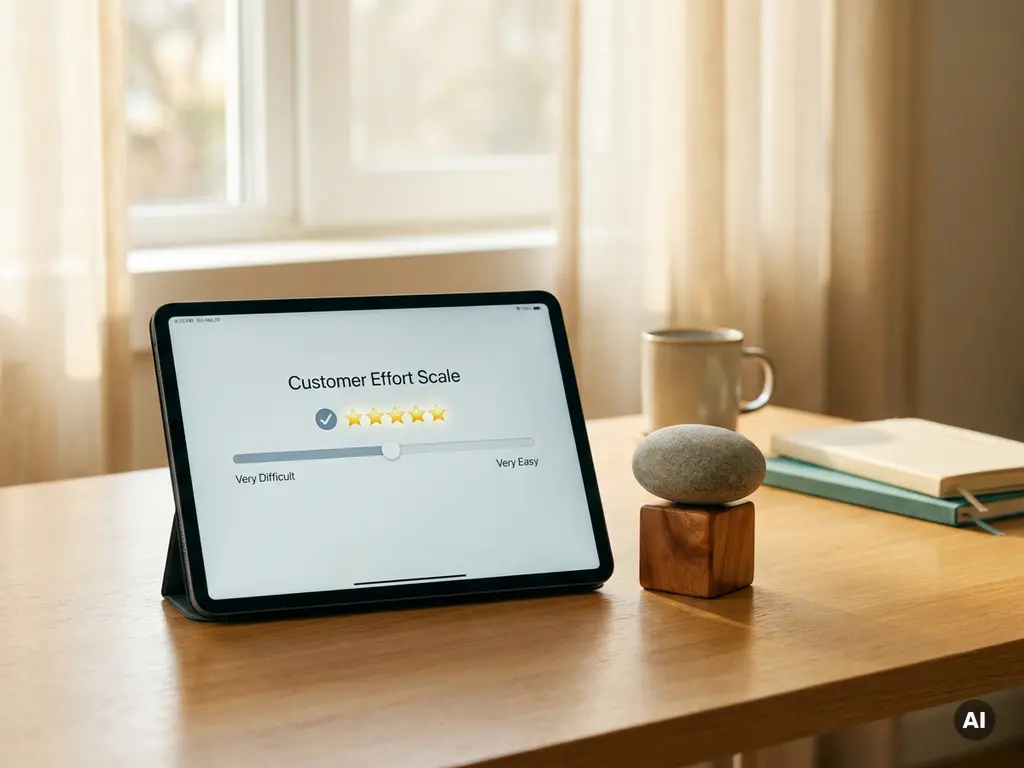
- Measuring Customer Effort Score – CES (enthusiasm)
Want to read more about these different KPIs used in customer surveys? Download our eBook ‘A successful CX program – From measuring to improving!’.
Employee surveys
With employee surveys, you can investigate if your employees are engaged with their employer and energized by the work they are doing, more known as employee engagement research. But you can also use a survey for investigating other things, like your company’s culture for example. The feedback gathered from your employees can be used in day-to-day and strategic decisions, to improve employee loyalty for example.
When looking at employee surveys, you can build a custom survey or use one of the most common survey methods, like for example:
- Employee Net Promoter Score (eNPS) research
- Employee Energy Pulse
- 360 degrees feedback
- eXperience Culture Scan
Surveys for gathering other information
The methods mentioned above are just a few examples. With online surveys, you can collect all data from any desired target group.
To collect feedback, you can use different channels. If you have a database of email addresses, you can send an email invitation. If not, you can invite people through other channels, such as your website or social channels. There are many possibilities, but make sure you choose the sender that best suits your target group.
How do I build a questionnaire? Five tips
Creating effective surveys is simply not easy. There are so many things to consider. What does a survey look like? It should be fun for the respondent to fill in, because what is the use of a survey if no one completes it? And a survey must collect exactly the insights you are looking for.
We give you five tips for building effective online surveys:
Tip 1 | Use proven survey methods
First, think about the goal of your survey questionnaire and what information you want to collect with it. As described above, there are several proven research methods for employee or customer surveys. When selecting one of these, you don’t have to think for yourself which questions to ask to collect the right insights.
Tip 2 | Ensure your surveys are short
The most important thing to understand when creating a survey is how survey fatigue works. Make sure you ask as few questions as possible. The longer your survey takes, the fewer people will be willing to fill it in and the less accurate the results will be.
Tip 3 | Don’t forget to ask ‘why’
When asking for a score in your survey, don’t forget to ask why your respondent is giving this score. This information is so much more important than just the score itself. It provides insight into the story and emotion behind it and helps discover what is going well and what you need to work on.
Tip 4 | Don’t ask questions you know the answer to
It is no longer ‘done’ to ask questions you already know the answer to. Organizations have a lot of information and data at their disposal, in CRM or other systems. By linking this information to your survey results, you don’t have to bother your customers or another target group with these questions and you can keep your survey short and only ask the essential questions.
Tip 5 | Use terms your target group understands
When setting up a survey, you are dealing with two target groups: the one providing the answers and the one receiving the data. The latter is used to processing terms that customers often do not understand. Which terms are used in the organization that need to be defined differently?
Looking for an online tool
You can get confused when selecting the right tool for your surveys, as there are many different online survey tools. There are a few things to consider when looking for an online tool.
Predefined survey questionnaires
Do you want to create a custom survey, or would you rather use an existing survey method? Some tools offer ready-made surveys with predefined questionnaires that you can adapt to your organization and situation, saving you a lot of time and thought.
Improvements and priorities at a glance
Another thing to consider is whether you want to store the feedback in a database so that the tool helps you analyze the data. Good survey software not only allows you to collect feedback and data but also helps you translate this feedback into improvements and priorities. Without spending too much time on analysis, it shows you, for example, the points for improvement per region, store, or department to improve customer or employee satisfaction.
Dashboards and infographics
The last thing to think about when looking for an online survey tool is whether you also need reports or dashboards. With good survey software, scores and insights about customers and employees are automatically visualized in, for example, cool infographics or beautiful reports that you can easily share with others within your team or organization.
Create your online survey with CYS software
With CYS software, creating powerful and responsive online surveys is very easy. In no time, you can build a survey form because you can choose from a large number of predefined pages and survey questions. Each page type is pre-designed and fully responsive. And you can customize everything to your needs and branding.
About CYS
CYS software is so much more than a survey tool to collect feedback and do research. In our software, you can integrate multiple data sources and combine and manage all data as you wish. All data can be used in your surveys.
And also with CYS, you can create stunning-looking insights with custom dashboards and advanced infographics. All data is visualized in real-time and is available on any device.
Want to experience the possibilities of CYS for yourself? Request a free online demo from one of our experts. In just 30 minutes, you will discover how to create an online survey with CYS software.